What Is NDJSON? A Developer's Guide to the Format
July 18, 2026

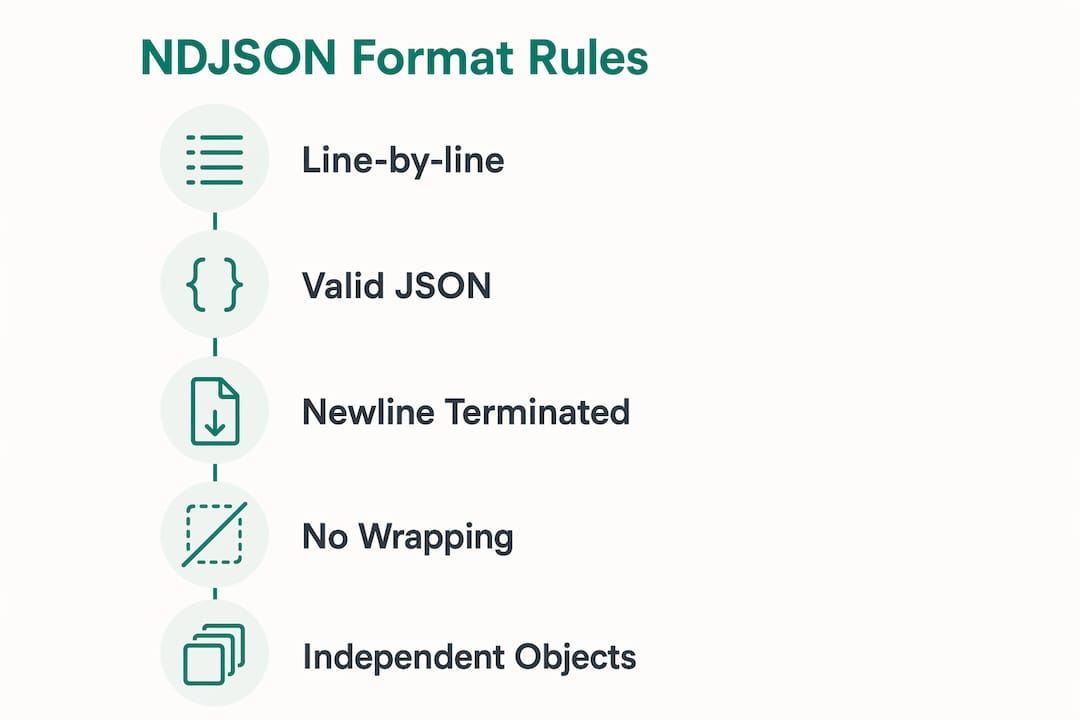
NDJSON, short for Newline Delimited JSON, stores one complete JSON value per line, with each line separated by a newline character ( ). Every line is fully independent and valid on its own. That single design choice makes the format ideal for streaming, logging, and processing large datasets without loading everything into memory at once.
Here is what defines the format at a glance:
- One JSON object per line, fully self-contained and parseable on its own
- No enclosing array brackets and no commas between records
- File extensions:
.ndjson,.jsonl, or.ldjsonare all common - MIME type:
application/x-ndjson - Encoding: UTF-8 required, no byte order mark (BOM)
- Equivalent to JSONL (JSON Lines) in structure and behavior
What does the NDJSON format specification actually require?
The rules are tight and intentional. Each line must be a valid JSON value per RFC 8259, terminated by . Both and \r line endings are tolerated in practice, though is preferred. No comments, no trailing commas, and no wrapping array syntax anywhere in the file.
A valid NDJSON file looks like this:
{"id": 1, "name": "Alice", "role": "engineer"}
{"id": 2, "name": "Bob", "role": "analyst"}
{"id": 3, "name": "Carol", "role": "manager"}
Compare that to standard JSON, which wraps everything in an array:
[
  {"id": 1, "name": "Alice", "role": "engineer"},
  {"id": 2, "name": "Bob", "role": "analyst"}
]
Each line in an NDJSON file is a complete, standalone JSON value. A parser reads one line, parses it, and moves on — no need to hold the full document in memory.
Pro Tip: Always validate each line individually when debugging NDJSON. A single malformed line does not break the rest of the file, so a line-by-line validator catches errors faster than a whole-file JSON linter.
How does NDJSON compare to standard JSON and JSONL?
NDJSON and JSONL are technically the same format. The naming difference comes down to ecosystem preference: JavaScript and Node.js communities tend to say NDJSON, while Python and machine learning communities favor JSONL. Tools like BigQuery, DuckDB, and Athena treat both identically.

Standard JSON is a better fit for API responses and small, structured documents where the whole payload matters. NDJSON wins when you need to process data incrementally or append records without rewriting the file.
| Feature | Standard JSON | NDJSON / JSONL |
|---|---|---|
| Structure | Single document or array | One value per line |
| Streaming support | Limited | Native |
| Append records | Requires rewrite | Add a line |
| Memory usage | Loads full file | Line by line |
| Best for | APIs, config files | Logs, pipelines, ML data |
Practical code examples for reading and writing NDJSON
Reading NDJSON in JavaScript means splitting on newlines and parsing each line separately:
const lines = rawText.split('
').filter(Boolean);
const records = lines.map(line => JSON.parse(line));
Writing is just as direct. Serialize each object and append a newline:
const line = JSON.stringify({ id: 1, event: "click" }) + '
';
fs.appendFileSync('events.ndjson', line);
In Python, the pattern is nearly identical:
import json

with open('data.jsonl', 'r') as f:
    for line in f:
        record = json.loads(line.strip())
        print(record)
The most common mistake developers make is wrapping NDJSON output in square brackets or adding commas between objects. That turns it back into a JSON array and breaks every streaming consumer downstream.
Pro Tip: Filter empty lines before parsing. A trailing newline at the end of a file produces an empty string that will throw a parse error if you do not guard against it.
| Language | Read approach | Write approach |
|---|---|---|
| JavaScript | `split(’ | |
')+JSON.parse` |
JSON.stringify + ` |
|
| ` | ||
| Python | Iterate file lines + json.loads |
json.dumps + ` |
| ` | ||
| Go | bufio.Scanner line by line |
json.Marshal + write ` |
| ` |
Where does NDJSON actually excel in real workflows?
NDJSON has become a de facto standard in logging, big data, and ML pipelines because of one practical advantage: you can append a record by writing a single line. No file locks, no array management, no rewrites.
Key scenarios where the format delivers real value:
- Event logging: Each event lands as one line. A corrupt line affects only that record, leaving the rest of the log intact and readable.
- Machine learning training data: OpenAI’s fine-tuning API, for example, accepts training files in JSONL format, one example per line.
- Big data ingestion: Platforms like BigQuery and Athena ingest NDJSON natively, reading files in parallel without parsing a full document first.
- Real-time streaming: Append-only writes make NDJSON fault tolerant in high-throughput pipelines where partial writes are a real risk.
- Large file processing: An NDJSON file can be processed with a few lines of shell script using
greporawk, no special parser needed.
Pro Tip: For analytics at scale, check whether a columnar format like Parquet suits your query patterns better. NDJSON repeats keys on every line, which can inflate file size for wide schemas with many fields.
How do you work with NDJSON in common programming languages?
Beyond JavaScript and Python, NDJSON fits naturally into command-line workflows. Because each line is valid for Unix tools like grep, awk, and sed, you can filter, count, and transform records without writing a single line of application code.

# Count records matching a condition
grep '"status":"error"' events.ndjson | wc -l

# Extract a field from every line using jq
cat data.ndjson | jq -r '.name'
One pitfall specific to streaming pipelines: buffering. If a stream does not flush after each line, the consumer hangs waiting for data that is sitting in a buffer. Configure your output stream to flush on every newline, especially in Node.js where writable streams buffer by default.
Pro Tip: When using jq on large NDJSON files, add the --stream flag to process records without loading the full file. It keeps memory usage flat regardless of file size.
| Tool | Use case | Notes |
|---|---|---|
jq |
Field extraction, filtering | Add --stream for large files |
grep |
Pattern matching | Works line by line natively |
awk |
Field counting, transforms | No JSON awareness needed |
Python json |
Full parsing | Use json.loads per line |
| Node.js streams | Real-time ingestion | Flush after each ` |
| ` |
How to convert NDJSON to Excel with Jsonsupport
Converting NDJSON to Excel is straightforward when your tool handles line-by-line parsing correctly. The key is treating each line as a separate JSON object and mapping fields to columns, not trying to parse the whole file as a single JSON document.
Jsonsupport’s free JSON to Excel converter handles NDJSON and JSONL files directly. Paste your data or upload your file, and the tool maps each line to a row in a formatted .xlsx spreadsheet automatically. Nested objects are preserved as stringified JSON in their own cells, so you do not lose structure during conversion.
A few tips for clean results:
- Flatten before converting if you need nested fields as separate columns. Pre-process with
jqto expand nested objects into top-level keys. - Check for empty lines before uploading. A stray blank line at the end of a file can create an empty row in your spreadsheet.
- Large files work fine. Jsonsupport processes files with no size cap, so even multi-thousand-row NDJSON exports convert without issues.
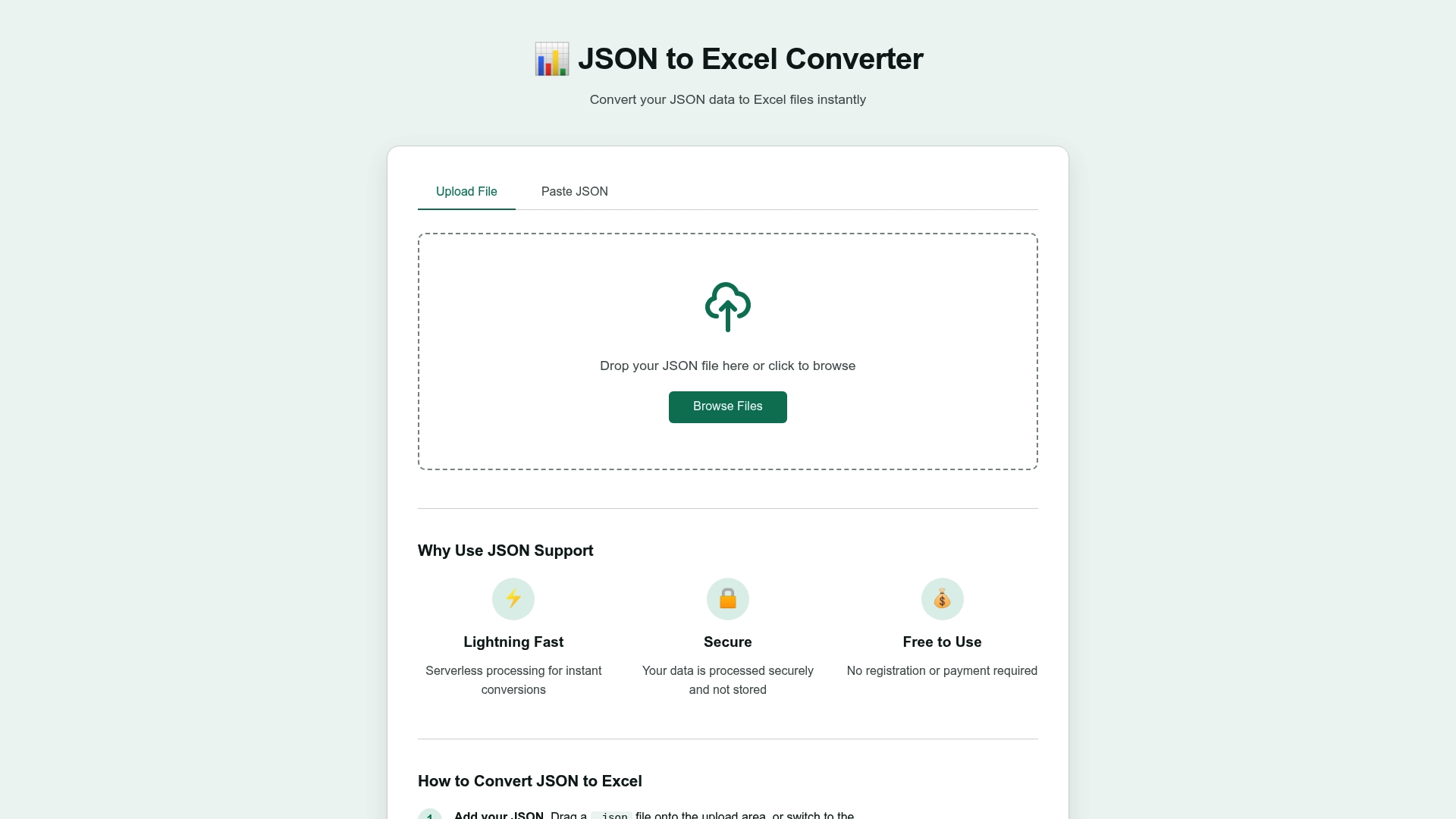
Ready to turn your NDJSON or JSONL data into a clean Excel sheet? Try the free converter at Jsonsupport with no account, no payment, and no data stored after processing.
Key Takeaways
NDJSON stores one independent JSON object per line, making it the most practical format for streaming, logging, and large-scale data processing where loading a full document is not an option.
| Point | Details |
|---|---|
| One object per line | Each line is a complete, valid JSON value parseable without the rest of the file. |
| NDJSON equals JSONL | Both names describe the same format; ecosystem preference drives which name teams use. |
| Append without rewriting | Adding a record means writing one line, making NDJSON ideal for logs and event streams. |
| Fault-tolerant parsing | A corrupt line affects only that record, leaving the rest of the file intact. |
| Convert to Excel easily | Tools like Jsonsupport map each NDJSON line to a spreadsheet row automatically. |